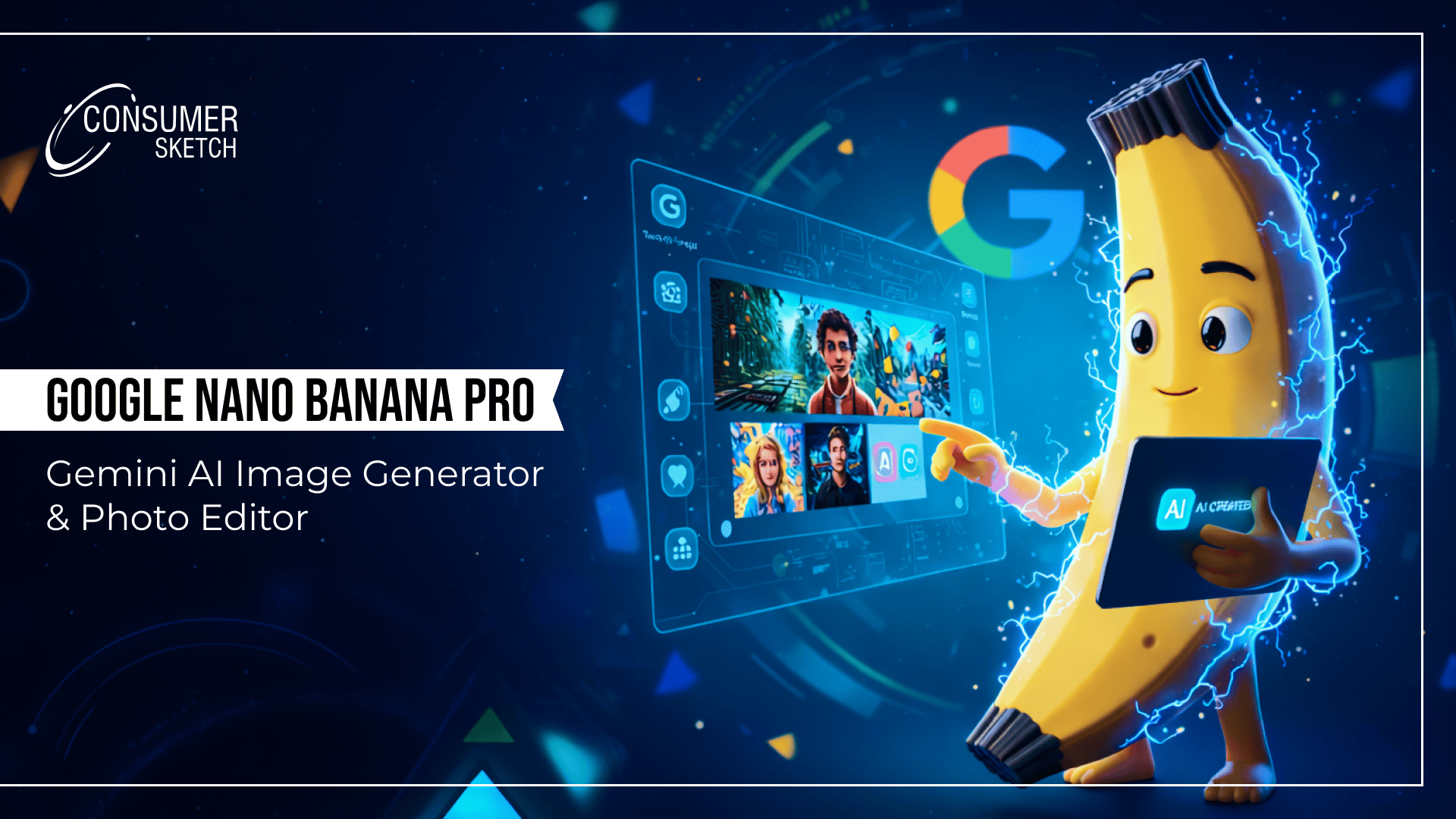
Google Nano Banana refers to the image generation and editing capabilities within Google's Gemini AI models, specifically Gemini 2.5 Flash Image and its advanced variant, Nano Banana Pro (Gemini 3 Pro Image). This technology enables users to create photorealistic images, perform precise edits, and generate creative visuals like 3D figurines directly from text prompts or uploaded photos, all accessible through familiar Google interfaces. Far from a standalone app, Nano Banana represents DeepMind's breakthrough in multimodal AI, blending language reasoning with visual synthesis to outperform traditional tools in consistency and context awareness. According to a recent blog post from Consumer Sketch, creators are experimenting with Google Gemini's Nano Banana to produce highly realistic AI visuals from simple text prompts. This blog explores the creative potential of Nano Banana, the technology powering it, and how Google is blending text, reasoning, and visuals into one seamless workflow.
The story of Google Nano Banana begins in the competitive AI leaderboards of mid-2025. During anonymous testing on platforms like LMSYS Arena, Google's DeepMind team submitted what would become Gemini 2.5 Flash Image. A team member marked their top-performing entry with a banana emoji, sparking the Nano Banana moniker that stuck across communities. Confusion around Google Gemini Nano Banana often stems from third-party platforms using the name unofficially. Google officially unveiled it in August 2025 via the Gemini app, positioning it as a tool for everyday creators to generate mini figurines, restore photos, and craft infographics.
By November 2025, Nano Banana Pro emerged as Gemini 3 Pro Image (Preview), incorporating enhanced world knowledge and reasoning layers. This upgrade addressed key pain points in diffusion-based competitors: poor text rendering, inconsistent multi-turn edits, and lack of factual grounding. Unlike Midjourney's Discord-centric model or DALL-E's isolated generations, Nano Banana thrives in conversational workflows, retaining subject identity through dozens of refinements, a capability early testers described as "revolutionary for iterative design".
DeepMind's architecture leverages transformer-based multimodal processing, trained on vast datasets of image-text pairs. This foundation supports nuanced prompts like "A glossy 3D banana figurine of a historical figure in Victorian attire, lit by gas lamps with accurate period details." Community benchmarks quickly crowned it a leader, with side-by-side comparisons showing superior anatomy, lighting, and typography. The Pro tier integrates Google Search for real-world accuracy, ensuring outputs like recipe diagrams or maps reflect verifiable facts.
Nano Banana's toolkit spans text-to-image generation, inpainting, outpainting, style transfer, and subject preservation. Free users access base capabilities; Pro unlocks studio-grade controls.
Key features include:
These elements make Nano Banana ideal for professional pipelines, from rapid prototyping to final assets. Developers praise its API stability, with generation times averaging 3-12 seconds depending on complexity.
Access begins at gemini.google.com or the Gemini mobile app. Log in with any Google account to start generating. Free tier suits casual use; Gemini Advanced subscription provides priority access to Pro models and higher limits. No downloads required; it runs server-side with client-side previews.
For programmatic use, head to Google AI Studio (aistudio.google.com), select gemini-2.5-flash-image or Pro variants, and generate an API key. Enterprise options via Vertex AI offer provisioned throughput for scale, while Firebase simplifies mobile app integration. Partnerships extend access to Adobe Firefly and Photoshop's Generative Fill.
Global rollout covers 200+ countries, with costs structured as:
Mobile users on Android/iOS tap the image icon in Gemini chats; Workspace integrations appear in Slides, Docs, and NotebookLM for seamless embedding.
Comprehensive Step-by-Step:
Pro tips from experts: Layer prompts (subject + environment + style + technical specs) for 90%+ first-try success. Agencies report 5-10x workflow acceleration for mockups.
|
|
|
|
|
|
|
|
|
|
|
|
|
|
|
|
|
|
|
|
|
|
|
|
|
|
|
|
The 3D figurines trend defined Nano Banana's rise, with prompts like "Hyper-realistic 3D printed banana sculpture of this selfie, glossy resin finish, dynamic pose." Outputs deliver convincing depth, shadows, and materials, mimicking scans of physical models.
Native exports are 2D PNGs with alpha, but the real magic happens in post-processing:
This pipeline powered millions of social shares, from pet figurines to celebrity avatars, driving Gemini usage surges. Print services like Shapeways report spikes in Nano Banana-derived orders.
Google Gemini Nano Banana embeds deeply, powering vision-language tasks: Analyze this X-ray, regenerate as an annotated infographic in Spanish. NotebookLM auto-visualizes notes; Vids scripts become storyboards.
API docs detail conversational flows: model: gemini-2.5-flash-image, supporting safety filters and provenance. Firebase devs generate in-app, enhancing games or e-commerce previews.
Marketing: Localized ad variants with in-image text swaps, scaling global campaigns. eLearning: Custom diagrams for HVAC repairs or therapy scenarios. Roofing firms visualize fixes; fashion prototypes, style transfers.
Community examples:
Strengths: Unrivalled prompt adherence, reasoning, and ecosystem fit. Limitations: Free rate limits; 2D outputs need tools for true 3D; abstracts can vary.
Practices:
Late 2025 expansions hit Workspace and Ads; 2026 eyes video and native 3D. Nano Banana elevates E-E-A-T for visual SEO.
Google Nano Banana represents a shift in how visual content is created, moving from isolated image generation toward conversational, context-aware design. By combining language reasoning, visual synthesis, and real-world grounding, it lowers the barrier for anyone exploring photorealistic imagery, from educators and researchers to designers and developers.
As Gemini’s image models continue expanding across Workspace, Ads, and developer platforms, Nano Banana is positioned less as a novelty and more as a foundational layer for how visual information is generated, refined, and understood in modern AI workflows. For more insights on the latest in AI, digital trends, and technology, Consumer Sketch – a leading Vadodara-based web design, development, and digital marketing agency with over 20 years of experience.
Q1. What is Google Nano Banana, and what does it do?
Google Nano Banana refers to the image generation and editing capabilities within Google’s Gemini models, particularly Gemini 2.5 Flash Image and Gemini 3 Pro Image. It enables users to create, refine, and iterate on photorealistic visuals using natural language prompts or uploaded images, all within a conversational interface.
Q2. Is Google Nano Banana a standalone application?
No. Nano Banana is not a standalone app. It operates within Google’s Gemini ecosystem, including the Gemini web interface, mobile apps, Google AI Studio, and enterprise platforms like Vertex AI. Users interact with it through chat-based prompts rather than separate software.
Q3. Does Google Nano Banana generate true 3D models?
Nano Banana generates high-fidelity 2D images that simulate depth, lighting, and material realism. While outputs are not native 3D files, many users convert them into 3D formats using third-party tools such as photogrammetry or AI-assisted model conversion software for AR, VR, or 3D printing workflows.
Q4. What are the pricing and access options for Google Nano Banana?
Google Nano Banana is available through the Gemini platform. The free tier allows limited daily image generation, while Gemini Advanced provides higher limits and access to Pro models. Developers can also access the models via APIs in Google AI Studio or Vertex AI, with usage-based pricing.
Q5. How can users maintain visual consistency across Nano Banana outputs?
Consistency is achieved through detailed prompts that specify colour values, typography, composition rules, and reference images. The Pro models retain contextual memory across multiple iterations, allowing users to refine visuals without losing subject identity or stylistic alignment.




.png)